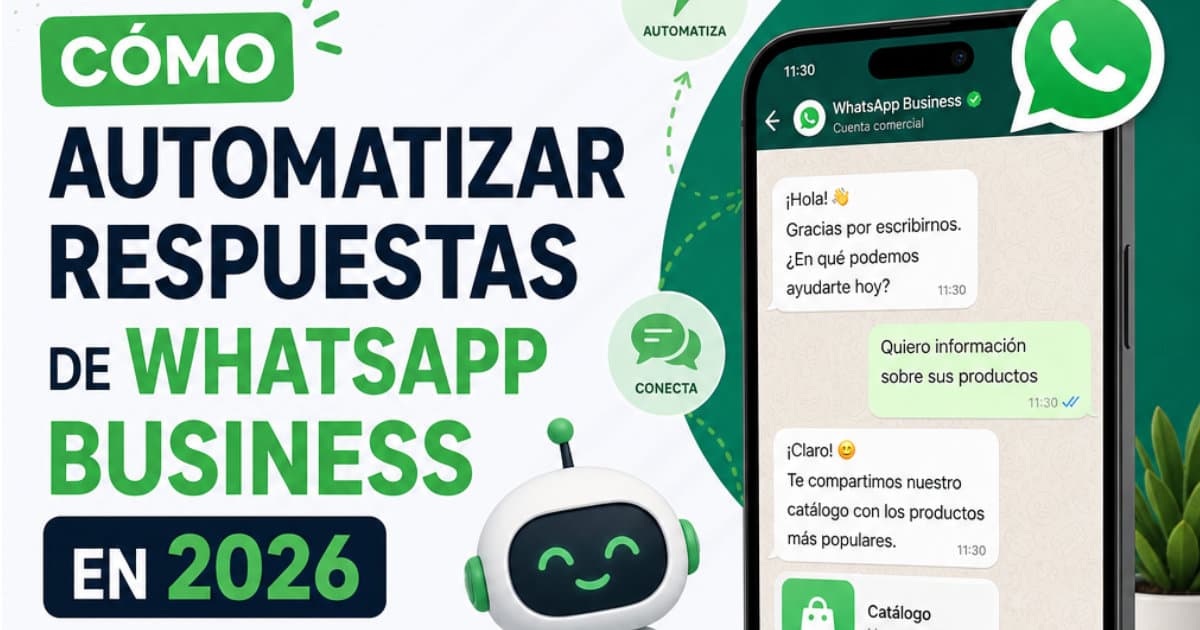
Automating WhatsApp Business replies is no longer an enterprise luxury: it is an essential operational requirement for any business receiving more than 15 to 20 inquiries a day. Over 65% of purchase questions and appointment requests happen outside regular business hours. Instant, helpful answers increase conversion rates by 4x compared to answering the next morning.
The manual WhatsApp bottleneck: burnout and lost revenue
WhatsApp is the leading messaging channel across Latin America and Europe, with open rates above 95%. But answering manually creates major friction:
1. Slow response times: answering the same pricing question 50 times a day drains your sales team.
2. Lost leads during nights and weekends: if customers don't get immediate answers, they buy from competitors.
3. Scheduling chaos: manual calendar entries lead to double bookings and missed appointments.
The 3 ways to automate WhatsApp in 2026 (and their risks)
1. Traditional WhatsApp Business App Quick Replies (Phone app)
Free and built-in, but not real automation: requires human agents to manually select and send canned responses (/price). Limited devices and cannot look up dynamic stock or book appointments.
2. Unofficial QR Code bots / Web scrapers (Severe ban risk)
Tools that scan a WhatsApp Web QR code to intercept chats. Meta actively blocks and bans these numbers permanently for violating Terms of Service, losing years of customer history.
3. Official WhatsApp Business Cloud API with Conversational AI (what-o)
Meta's official infrastructure for businesses. No QR scanning, zero ban risk, multi-agent support, and modern AI. Connects in 2 minutes via Meta Embedded Signup with full reliability.
Comparison: WhatsApp Automation Solutions
| Feature | Mobile App | Unofficial QR Bots | Rule Bots (ManyChat) | what-o (Official AI) |
|---|---|---|---|---|
| Official Meta Tech | Yes | No (High ban risk) | Yes | Yes (Official Cloud API) |
| Language Understanding | None (Manual) | Rigid / Keyword based | Buttons / Keyword flows | Conversational AI (Gemini, Llama) |
| Zero Hallucinations | N/A | Low | Medium | High (Tied to knowledge base) |
| Google Calendar Sync | No | Needs Zapier ($) | Needs Zapier/Make ($) | Native 1-click built-in |
| Setup Difficulty | Low (manual typing) | Medium/High | Complex flow builder | Very easy (2-min no-code) |
| Monthly Cost | Free (limited) | US$25 - $70/mo | US$15 - $145+/mo (per contact) | US$14/mo flat (14-day free trial) |
Step-by-step setup guide for non-technical users
No coding, no developers, and no server configuration required:
Step 1: Connect your number in 2 minutes via Meta Embedded Signup
Click 'Connect WhatsApp' inside what-o. The official Meta modal opens. Log in, select your business, and verify your phone number via SMS or call. Done in 2 minutes.
Step 2: Upload your knowledge base (Zero hallucinations)
Upload your PDF catalog, connect a Google Sheet with prices and inventory, or type your FAQs. The AI builds a grounded semantic index and answers strictly using your verified business data.
Step 3: Connect Google Calendar for 24/7 self-booking
Authorize Google Calendar in one click. The AI checks real-time availability, offers available slots to the customer, and confirms bookings instantly.
Step 4: Configure human takeover rules
The AI handles 80% of repetitive questions. If a customer asks to speak with a human or has a complex inquiry, what-o flags the chat in your unified inbox so your team can step in.
Which businesses benefit most from WhatsApp AI automation?
Practical real-world examples:
1. Medical clinics, dental offices, and aesthetic salons
Provides instant pricing, treatment requirements, and books appointments on Google Calendar 24/7.
2. E-commerce and retail brands
Answers sizing questions, checks stock, and provides instant checkout links.
3. Restaurants and hospitality
Shares digital menus, answers dietary restrictions, and takes table reservations automatically.
4. Professional services (Lawyers, agencies, consultancies)
Qualifies potential leads with custom questions and schedules discovery calls automatically.
Why what-o delivers the best price-to-value ratio
Most automation tools target enterprise budgets with convoluted pricing and steep learning curves. what-o was built for SMBs:
- US$14/mes plano sin costos ocultos: Transparent flat pricing at US$14/month: unlike ManyChat or Respond.io that charge extra as your contacts scale or charge per agent seat, what-o keeps it predictable.
- Prueba de 14 días sin tarjeta: 14-day free trial with no credit card required: test real conversations with actual customers before paying anything.
- Bandeja unificada con Instagram y Web: Unified omnichannel inbox: WhatsApp, Instagram Direct, and website chat all in one single dashboard.
Frequently Asked Questions
What if the AI doesn't know the answer?
what-o has a zero-hallucination policy. It politely informs the customer that a human agent will follow up, and alerts your team in the dashboard.
Do I have to change my current phone number?
No. You can migrate your existing number or activate a new virtual number during the Meta onboarding flow.
Does it work if my phone is off or disconnected?
Yes. It runs on Meta's cloud servers 24/7 without needing your phone to be on or connected to Wi-Fi.
Will customers notice they are talking to an AI?
The conversational tone is natural, helpful, and tailored to your brand voice. It feels like an attentive employee.
Connect in 2 minutes, upload your knowledge, and start closing sales 24/7.